Codigo: QR & Barcode Scanner - QR Code Wallet for iPhone
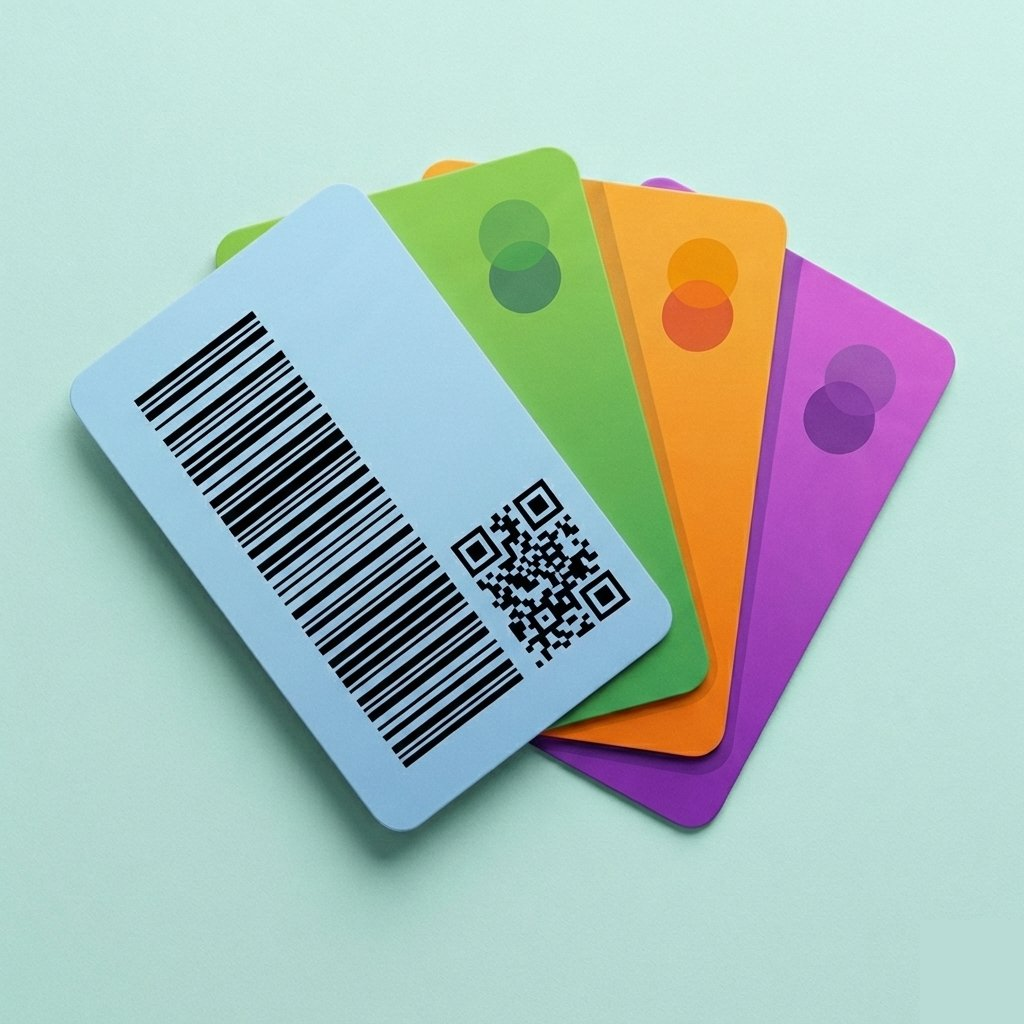
Scan, store, and display all your loyalty cards, library cards, and membership cards. Declutter your wallet and keychains.

Everything you need, nothing you don't
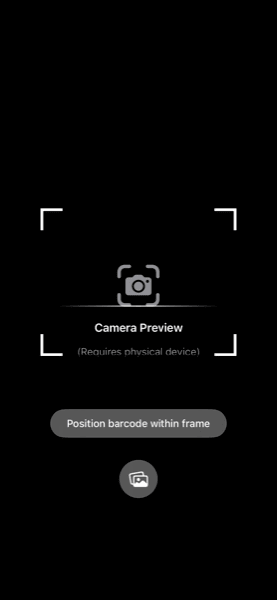
Instant Barcode Scanning
Point your iPhone camera at any barcode or QR code. You can also scan cards from images in your photo library.
Barcode and QR Code Formats
Supports all major barcode and QR code formats including QR codes, Code128, EAN-13, UPC-A, and more.
Generate QR Codes
Create QR codes from any content—websites, social media profiles, contact info, WiFi networks, and more.
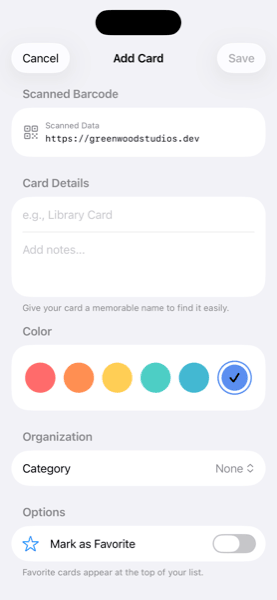
Organize All Your Cards
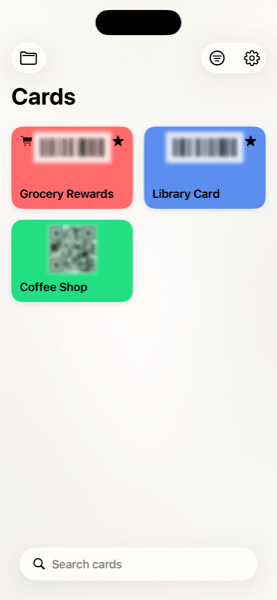
Categorize your loyalty cards, membership cards, and library cards. Mark favorites and find any card instantly with search and filters.
Checkout Ready Display
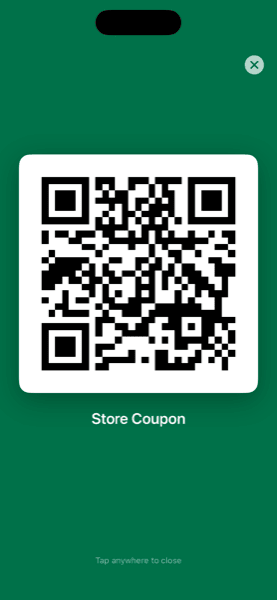
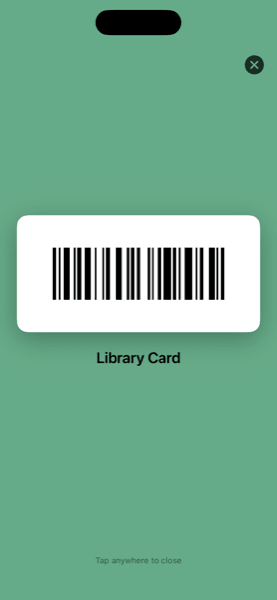
Fullscreen barcode display with automatic brightness boost. Your loyalty cards scan perfectly at any store register or checkout.
Private & Secure
Your cards stay on your device. No accounts required, no cloud storage, no tracking. A 100% native iOS app that respects your privacy.
See it in action
Frequently Asked Questions
Is Codigo free to use?
Yes, Codigo is completely free to download and use. There are no hidden fees, subscriptions, or in-app purchases. All features including unlimited card storage, QR code scanning, and barcode support are available at no cost.
What types of codes can Codigo scan and store?
Codigo supports all major barcode and QR code formats including QR codes, EAN-13, EAN-8, UPC-A, UPC-E, Code 128, Code 39, and PDF417. This covers virtually all loyalty cards, membership cards, library cards, gym passes, and store discount cards.
Does Codigo work offline?
Absolutely. All your cards are stored locally on your iPhone, so you can access and display them anytime without an internet connection. Perfect for stores with poor reception or when traveling abroad.
Is my data private and secure?
Your privacy is our top priority. Codigo stores all data locally on your device only. We don't collect, transmit, or store any of your card information on external servers. No account creation is required, and we have no analytics or tracking.
How do I add a new card to Codigo?
Adding cards is simple. Open Codigo, tap the scan button, and point your phone camera at the barcode or QR code on your physical card. The app automatically detects the code type and saves it. You can also add a scan from a screenshot or image in your photo library.
Will store scanners be able to read codes from my phone screen?
Yes. Codigo automatically increases your screen brightness when displaying a code to ensure reliable scanning. The codes are rendered at optimal size and contrast for store scanners. Works great at grocery stores, pharmacies, gyms, libraries, and anywhere else that accepts loyalty cards.
Which iPhone models are supported?
Codigo supports all iPhones running iOS 17.0 or later.
Can I organize my cards?
Yes. You can customize each card with a name and color for easy identification. Cards are displayed in a clean grid view, making it quick to find the card you need at checkout.
Will there be an Android version of Codigo?
At this time, Codigo is only available for iOS devices. We may consider an Android version in the future based on user demand.